


SAP Archiving: Why Long-Term SAP Data Protection Matters

Emanuel Böminghaus
By Emanuel Böminghaus, Legacy Systems Expert and Managing Director, AvenDATA
Emanuel Böminghaus, Managing Director of AvenDATA

By Emanuel Böminghaus

Legacy Systems Expert and
Managing Director, AvenDATA

Your SAP Platforms Idle for Decades in Active Deployment

Many enterprises, including Fortune 500 companies, keep their legacy SAP environments running long after they go live on a modern ERP platform or complete an SAP S/4HANA migration. The reason is simple: these systems hold historical data that still has significant business and legal value.
Invoices, financial receipts, HR records, contracts, and core production data must be retained for years to stay ready for IRS examinations and financial audits. In the US, regulations from the IRS, the SEC, and other agencies set strict requirements for record retention and traceability. That is why an SAP system remains relevant long after it is shut down.
Without a proven SAP archiving solution, companies face high operating costs, serious cybersecurity vulnerabilities, and costly problems during IRS audits.
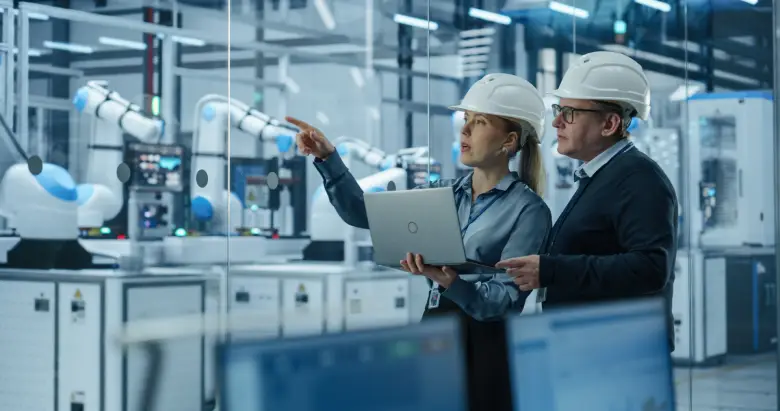
Two engineers reviewing archived SAP data on a laptop in a robotic production plant

The Most Critical SAP Modules to Archive

Data-intensive modules are at the core of every SAP archiving strategy. Prioritize SAP FI and SAP CO for financial data, SAP MM for procurement and materials management, and SAP SD for sales and billing data.
SAP HCM (formerly SAP HR) carries particular risk because it contains sensitive employee data subject to strict legal retention requirements. Learn more about SAP HCM data archiving. Global enterprises also hold large volumes of archive data in SAP CRM, SAP SRM, SAP BW, and heavily customized industry-specific solutions.
Legacy systems often contain hundreds of millions of records and documents. A structured SAP archiving strategy keeps this data fully accessible without forcing you to keep retired production systems running indefinitely.

Legacy SAP Systems Drive Up Costs and Risks

Postponing legacy system retirement costs companies infrastructure and licensing fees year after year. Many organizations keep outdated SAP environments running only because they still need access to historical data. At the same time, the risks grow: outdated operating systems, missing security patches, and a shrinking pool of SAP legacy specialists.
Mergers and acquisitions, carve-outs, bankruptcies, and large-scale SAP migrations show why a professional SAP archiving solution is essential. Decision-makers need fast, on-demand access to historical data. Without a well-planned archiving strategy, you risk data loss, compliance violations, and significant operational liabilities.

How a Proven SAP Archiving Solution Enables Clean Legacy System Retirement

A modern SAP archiving solution lets you shut down legacy SAP systems for good while preserving all business-critical data. Archived data stays ready for IRS examinations and audits, and you can still search, analyze, and export it at any time.
The archive must capture complex table structures, receipts, documents, and the relationships within your SAP data completely and accurately. Proven archiving platforms provide direct access without a running SAP system, which significantly reduces ongoing costs and complexity. SAP archiving is especially important during an S/4HANA migration, when large enterprises consolidate legacy SAP landscapes while meeting strict legal requirements. See how ViewBox compares to SAP ILM.

Plan Your SAP Archiving Project with AvenDATA

AvenDATA helps enterprises worldwide retire legacy SAP systems securely, traceably, and cost-effectively. With ViewBox, your historical SAP data, receipts, and documents remain searchable, analyzable, and audit-ready long after system shutdown. If you want to stop paying to run legacy SAP systems, start planning your SAP system decommissioning now.
Contact AvenDATA today to plan the secure retirement of your legacy SAP systems.